Auralys
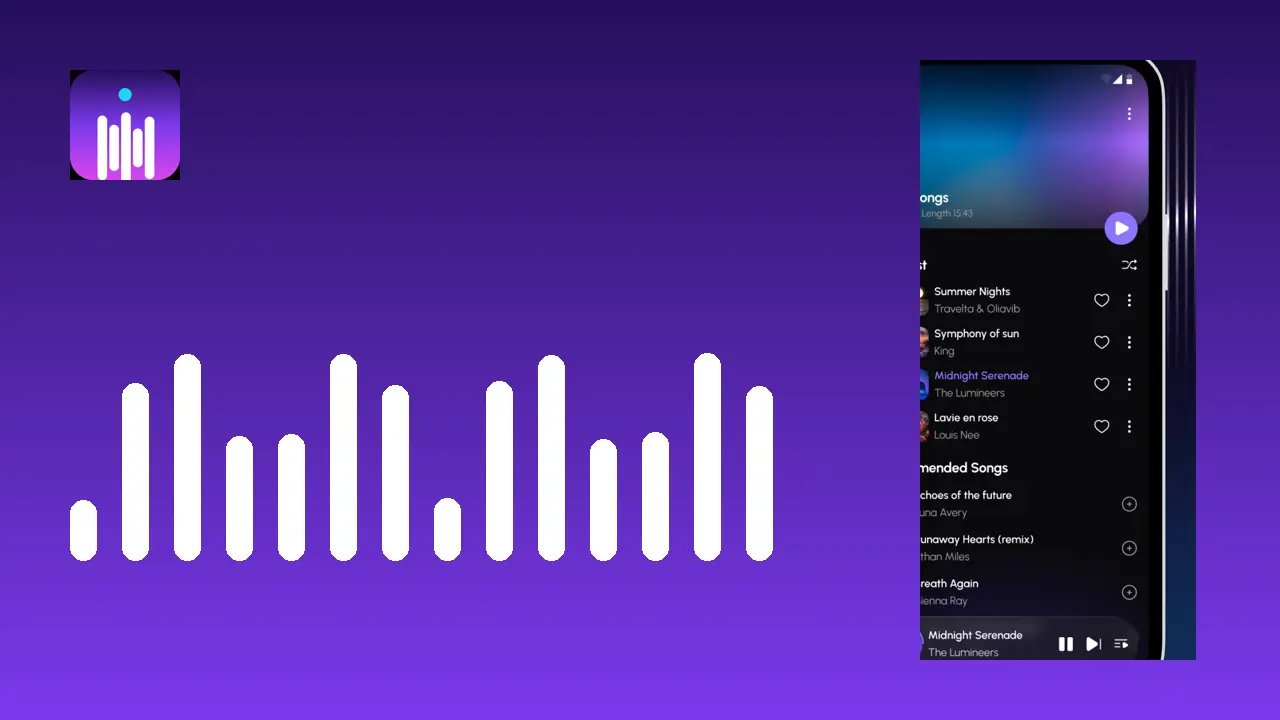
Auralys app icon: white equalizer bars on a violet gradient

The Auralys Music App, ready when you are

Download Auralys

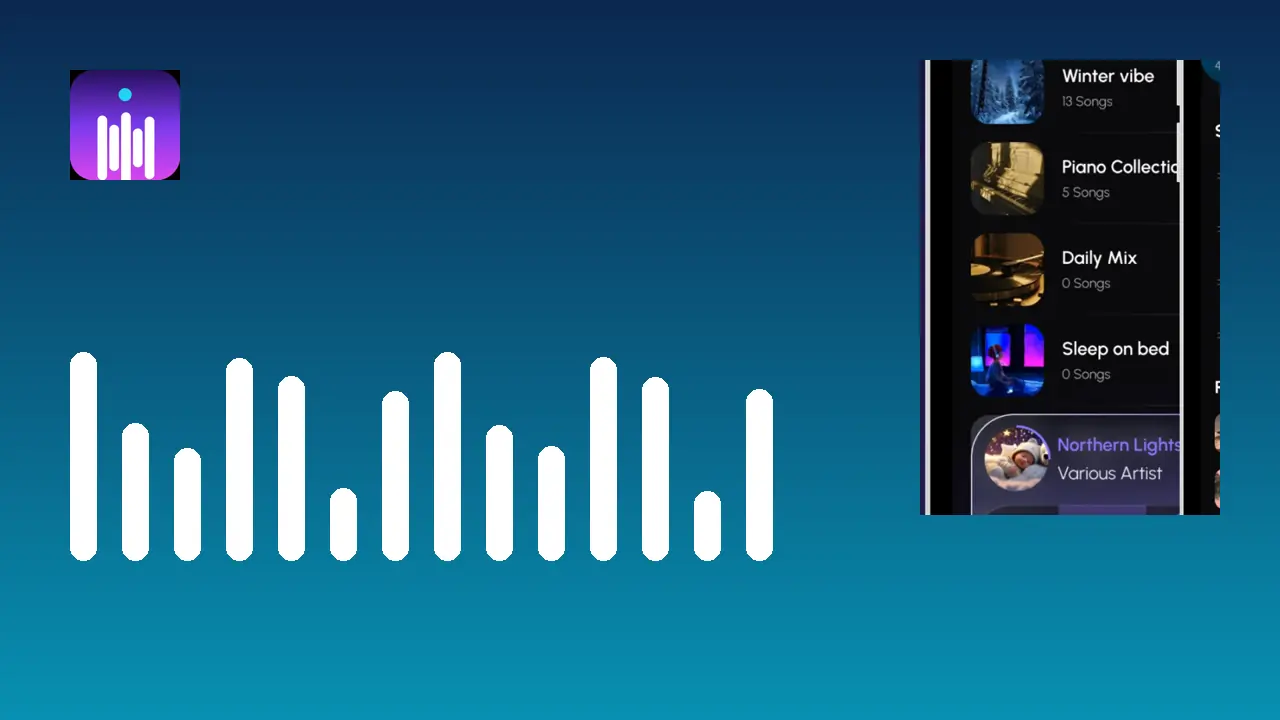
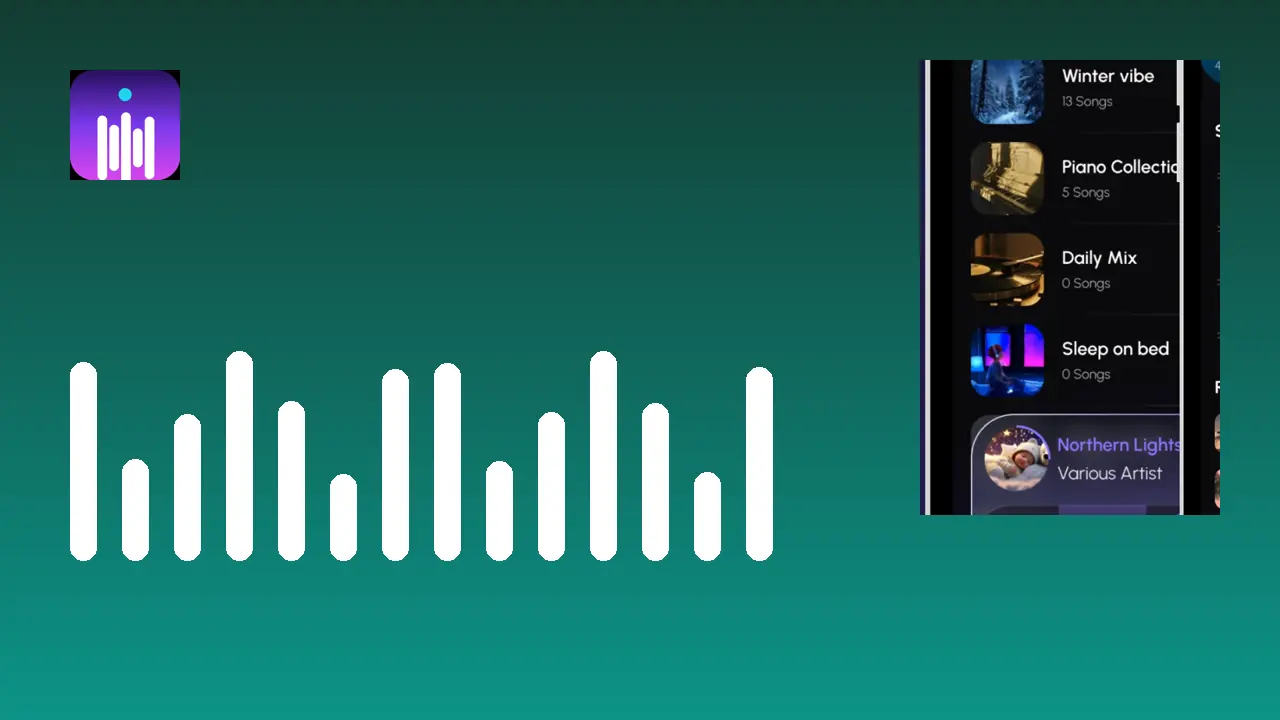
This is the offline player for your own library: same formats, same equalizer, same playlists, installed on your phone. One short countdown, then the button is yours.

File
Auralys APK
App
Auralys Music App
Platform
Android
Playback
Offline, your own library
Cost
Free

Your download button arrives in

6

Advertisement

APK Details

App name
Auralys
Developer
NindaFuit
Category
Music and Audio
Platform
Android
Price
Free
Playback
Offline, from the music library on your device
Audio formats
MP3, WAV, FLAC, AAC, M4A and more
Sound tools
Equalizer with presets, bass boost, reverb and virtualiser
Downloads
10,000+

Before You Download

Two small checks make this install smooth. First, keep a little free storage spare: your music library is the big resident here, and Android still wants breathing room while it installs any app. Second, know which permission is coming. On first launch the player asks for storage access so it can find the songs on your phone. That request is the app doing its one job, and nothing plays without it.

Headphones are worth having nearby for the first session. The equalizer presets are the fastest way to hear what Auralys does differently, and a familiar track through your usual headphones tells you more in thirty seconds than any description can.

Installing After the Download

When the countdown ends and the button appears, tap it and let the file finish downloading in full. Open the finished file, allow the install prompt Android shows for apps from a file, and confirm. The Auralys icon lands in your app drawer within seconds.

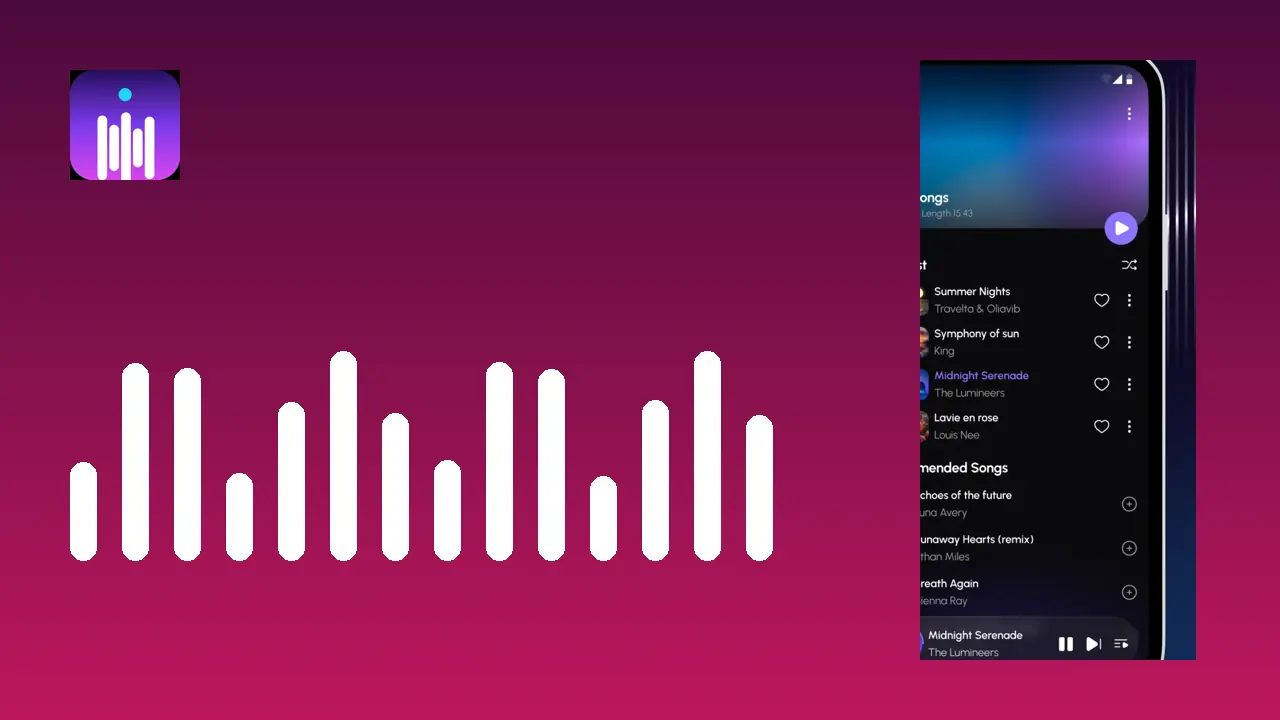
Open the app, grant the storage permission, and give the first library scan a moment. Songs, albums and folders arrange themselves, the automatic lists begin with your most recent additions, and your first playlist is one long press away. If the install is refused, the file almost certainly arrived incomplete: fetch it again on a steady connection and repeat.

Why Download From Here

Every build on this page is installed and listened to on our own Android phones before it is published: the scan, the formats, the equalizer, Bluetooth output and the visualizers all get used, not just opened. If a build misbehaves in any of those moments, it does not go live here.
Download FAQs

How long does the Auralys download take?

The player itself is a light install, so on a normal connection the download finishes quickly. If a download looks cut short, fetch it again rather than installing a partial file.

Is the download really free?

Yes. Auralys is a free app, and this APK is the complete player with the equalizer, playlists and visualizers included.

Why is there a countdown before the button?

The short countdown gives the file a moment to prepare and prevents accidental taps. At zero the button appears, ready to tap.

The downloaded file will not install. What should I check?

Make sure the download completed in full, allow installs from your browser in the Android prompt, and reopen the file. Those steps cover nearly every case.

What happens on first launch?

The player asks for storage permission, scans the music on your phone, and builds your library by songs, albums and folders. Then you can press play.

Do I need an account to use Auralys?

No account is needed to listen. Your music is on your device and the player works offline.

Can I update without losing my playlists?

Yes. Install the new build over the existing app and your playlists, favourites and settings carry across.

Suggested Guides