
Guide
Playlists in Auralys: Build, Order and Keep Them Alive
How playlists work in the Auralys Music App: unlimited lists, drag and drop ordering, and the small habits that keep a playlist worth pressing play on.

CONTENTS On this page
A playlist is a promise about the next hour, and the Auralys app treats it that way: unlimited lists, drag and drop ordering, and automatic lists running quietly beside the ones you build by hand.
This note covers building a first list, ordering it so it flows, and the maintenance habits that stop good playlists going stale.
Build the first list around a moment
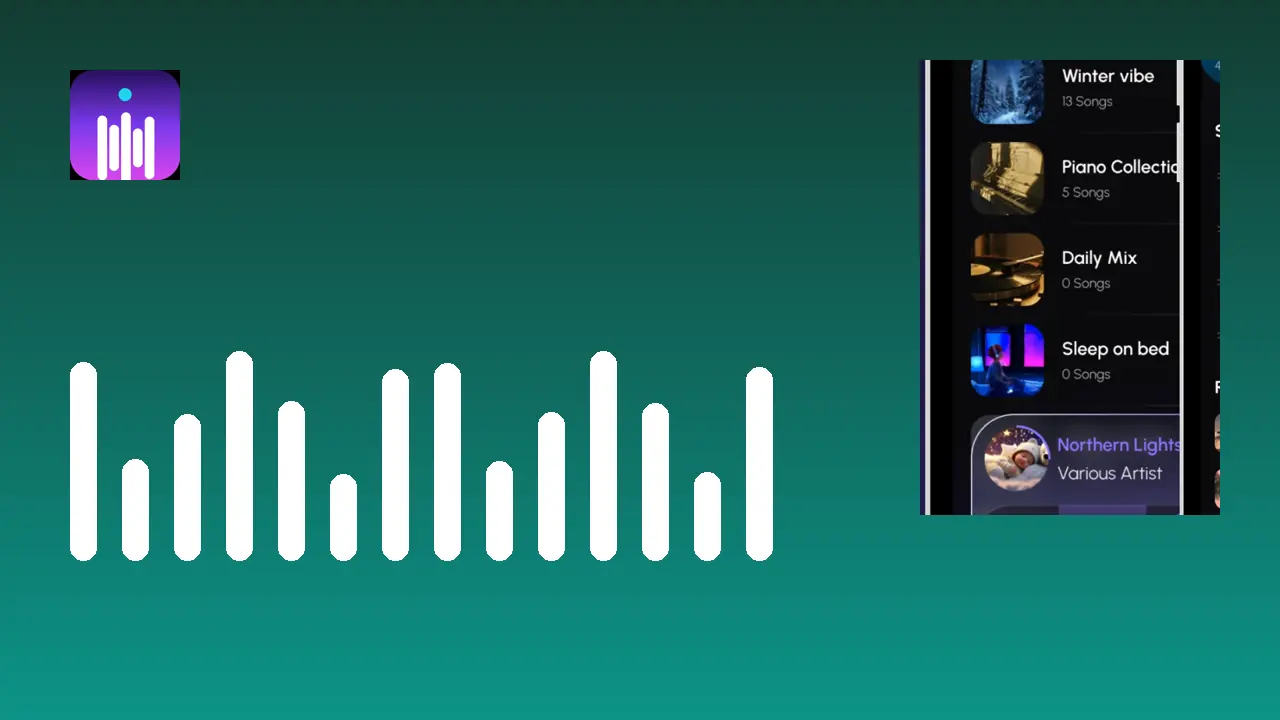
Start from a moment, not a genre: the morning run, the focus block, the drive home. Add more songs than the moment needs, then listen once through. The app screens show the pattern plainly, with lists like Winter Vibe, Piano Collection and Sleep sitting side by side on the playlist shelf.
Name lists by the moment they serve. Future you, standing in the rain with one thumb free, will find Run faster than Favourites 4.
Order is arrangement
Drag and drop ordering is the feature that separates a playlist from a pile. Put the confident opener first, group the songs that share a temperature, and place the quiet closer where the energy should land. the playlist ordering craft is dedicated to this craft alone.
Avoid sorting alphabetically and calling it done. Alphabetical order is a filing system, and a playlist is a performance.
Keep them alive in small doses
Every few listens, remove the one track you always skip and add the recent favourite that has been on repeat. The automatic Most Played list is a good hunting ground: it shows what you actually reach for, not what you meant to like.
A playlist edited for two minutes a month stays alive for years.
Start small, verify with a song you know by heart, and leave settled what already sounds right. Good listening setups are built in that order, and they stay built. If you want to keep going, playlists for every mood is the natural next read.
Quick Answers
How many playlists can I make?
Playlists are unlimited. Make one per moment rather than one giant list, and the shelf stays easy to browse.
Can I reorder tracks after building a list?
Yes. Drag and drop any track to a new position and the order saves as you leave the screen.
Do playlists survive an app update?
Yes. Installing a new build over the existing app keeps your playlists, favourites and settings.
What is the difference between my playlists and the automatic lists?
Yours are built by hand. Favorites, Most Played and Recently Added maintain themselves from your listening.